LEO999 access: how to read a web address before you trust it
An address is the one thing harder to fake than the look of a page. This guide teaches you to read one, then explains the queries people type.
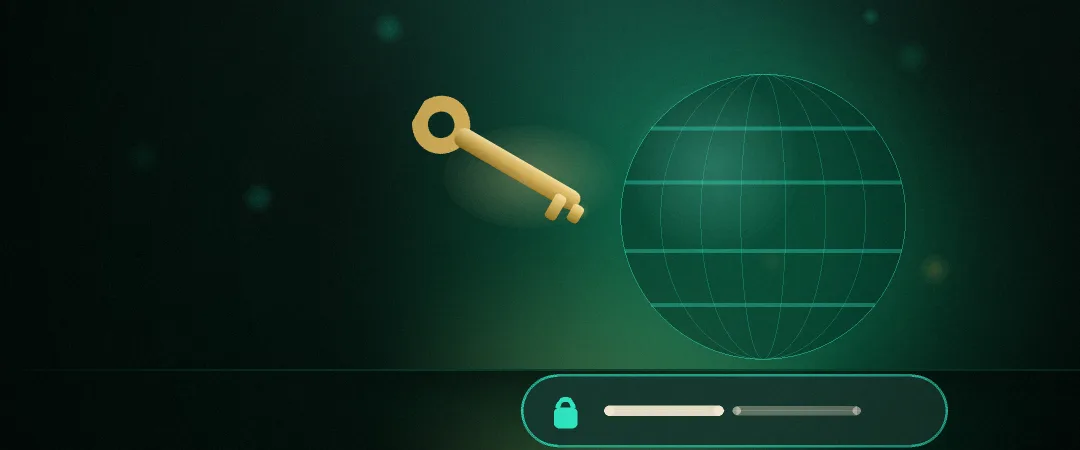
Access queries are among the most typed, and the most costly to answer badly: opening one wrong address and entering a password there matters more than a whole day of bad luck at a game. So this guide does not hand you an address. It teaches you to check one — a skill that keeps working however many times an address changes.
Read a domain from the right
Most people read an address left to right, like a sentence, and that is precisely what makes them easy to fool: anyone can put anything in the left-hand part. The site’s real name always sits immediately before the ending — .com and the rest. Start there and read backwards.
If you see a long address with the brand name near the front, but the label next to .com is something you have never seen, that site does not belong to the brand. The brand name at the front is just text somebody typed.
The characters most often used to fake an address
| The confusable pair | Why it slips past | How to tell |
|---|---|---|
| 0 / O | In many typefaces a zero and a capital O have the same width | Zoom in, or paste it into a notes app with a different typeface |
| 1 / l / I | A one, a lowercase L and a capital i are near-identical in a sans typeface | Reading it out character by character catches it faster than scanning |
| rn / m | An r next to an n reads as an m at a glance | Zoom until the gap between the two letters is visible |
| An added hyphen | A hyphenated name looks as official as an unhyphenated one | A hyphenated name and an unhyphenated one are always different sites |
The queries people type, and what they actually mean
One common form is a spaced-out string ending in “leo999 com”. It looks like that because a search box remembers how people typed, not because an address of that shape exists. It is a query, not an address anybody vouches for.
This information site is published at leo999i.com and operates no other domain. We therefore cannot tell you who runs leo999.com, whether it is safe, or how it relates to the brand — and we will not guess, because guessing here is more dangerous than saying we do not know.
Five things to do before you type anything
Zoom the address bar and read it character by character
On a phone, tap the bar so it shows in full: it normally truncates the middle, and the middle is where a fake hides.
Find the label next to the final dot
That is the site’s real name. Everything before it is set by whoever owns that name.
Check for the padlock and https
The padlock says the connection is encrypted. It does not say who owns the site — a fake can have one too. Both checks are needed.
Scrutinise a link somebody sent you
Links from chats, comments and adverts are the main route a fake address travels. Typing it yourself is always safer.
Bookmark the address once you have verified it
Verify once and use the bookmark from then on. Search results change; a bookmark does not.
What this guide will not do
We publish no list of mirror addresses or “latest entrances”. Such lists go stale quickly, and a stale list is exactly what somebody with bad intentions makes use of. The skill of reading an address outlasts any list.
The material on this site is intended for readers aged 18 and over. Wagering carries risk — set your own budget and time limit before you start.